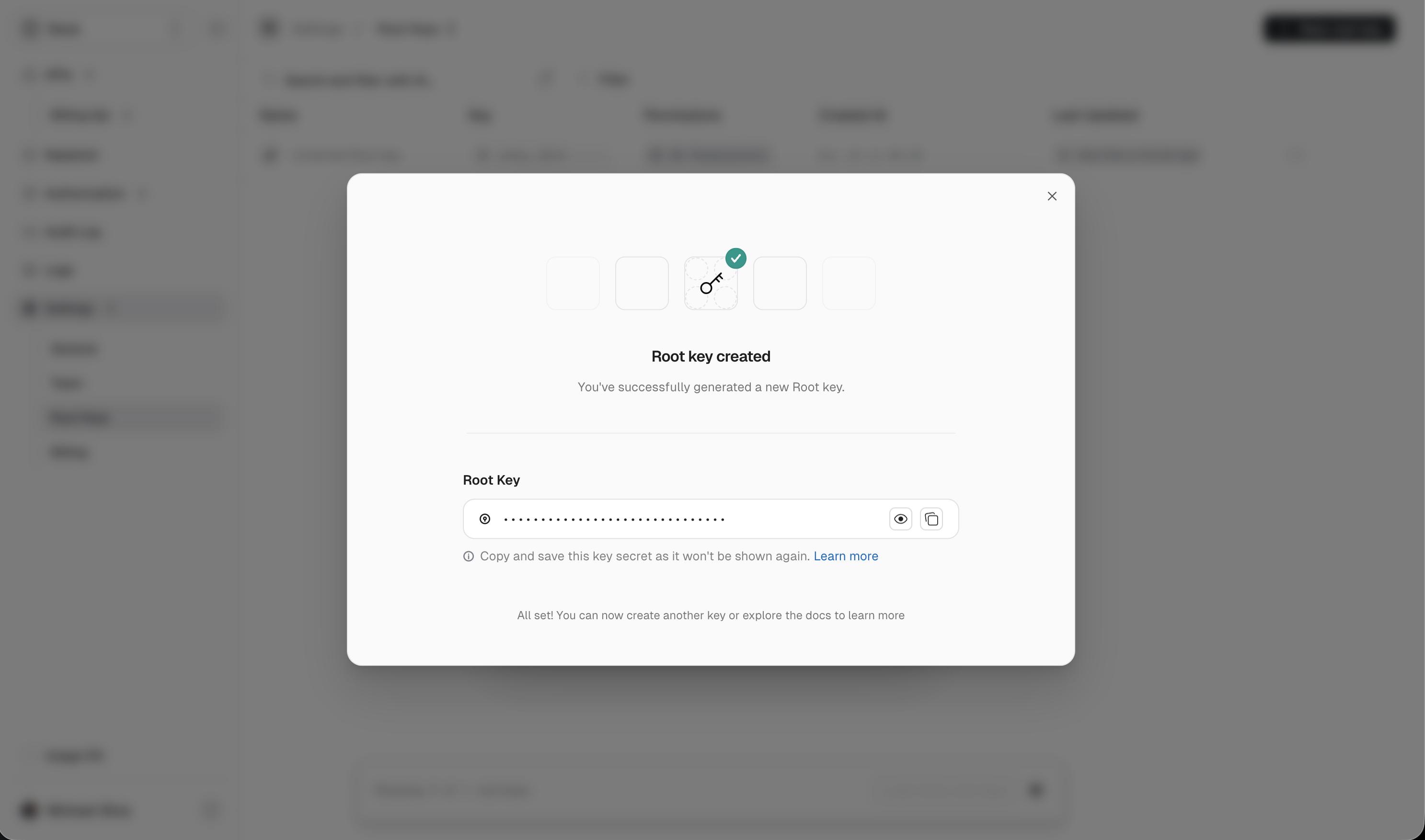
root key.
Root keys are scoped per workspace and you can fine tune their access permissions when creating a key or update later on the fly.
It’s a good practice to provide as few permissions as possible, to minimize the potential impact of a leaked key.
1
Start
- Go to https://app.unkey.com and sign in.
- Using the left sidebar menu navigate to
Settings, thenRoot Keys. - Click the New root key button in the top right of the screen.
2
Name and Permissions
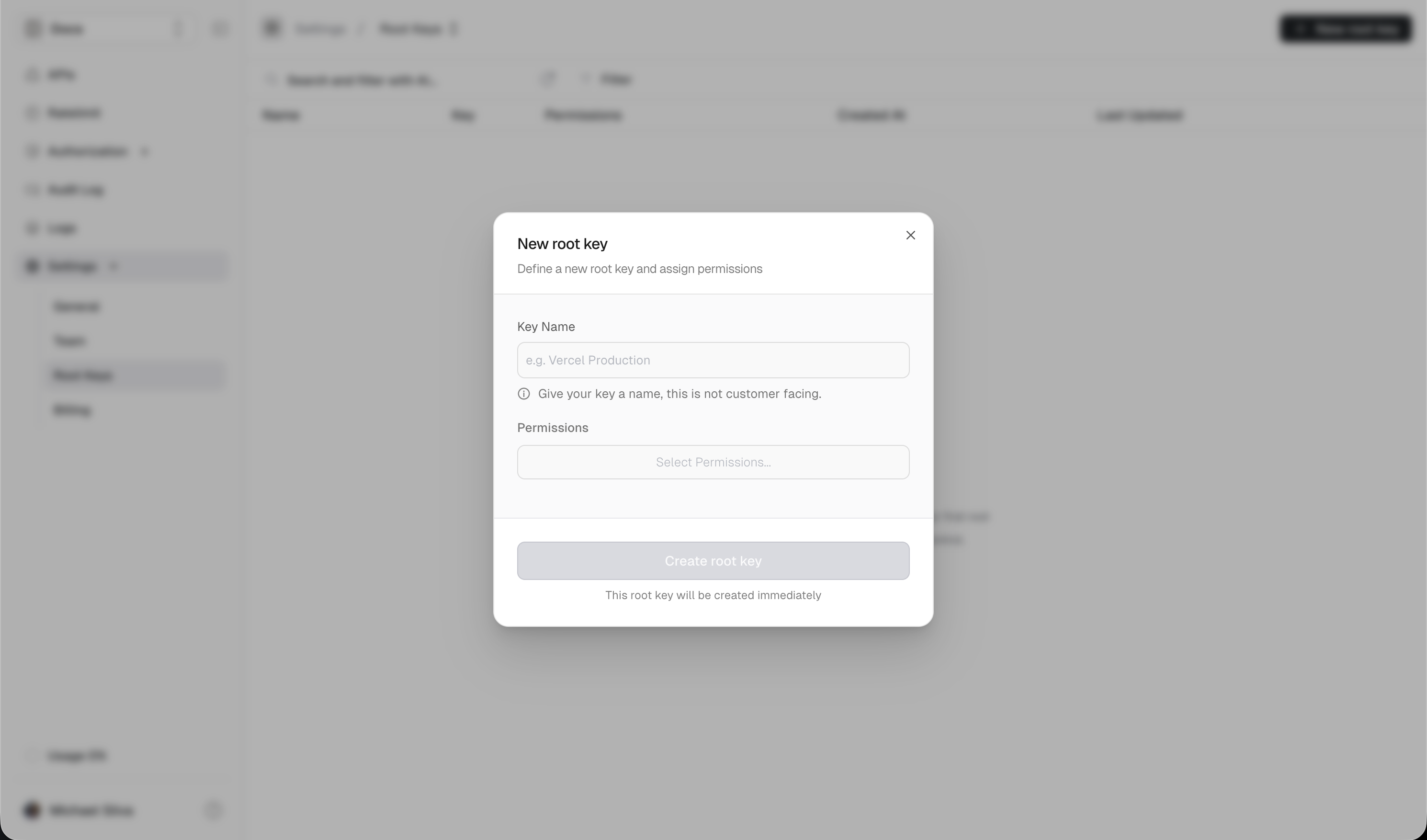
- Optionally enter a name. This is internal only and not customer-facing.
- Click the
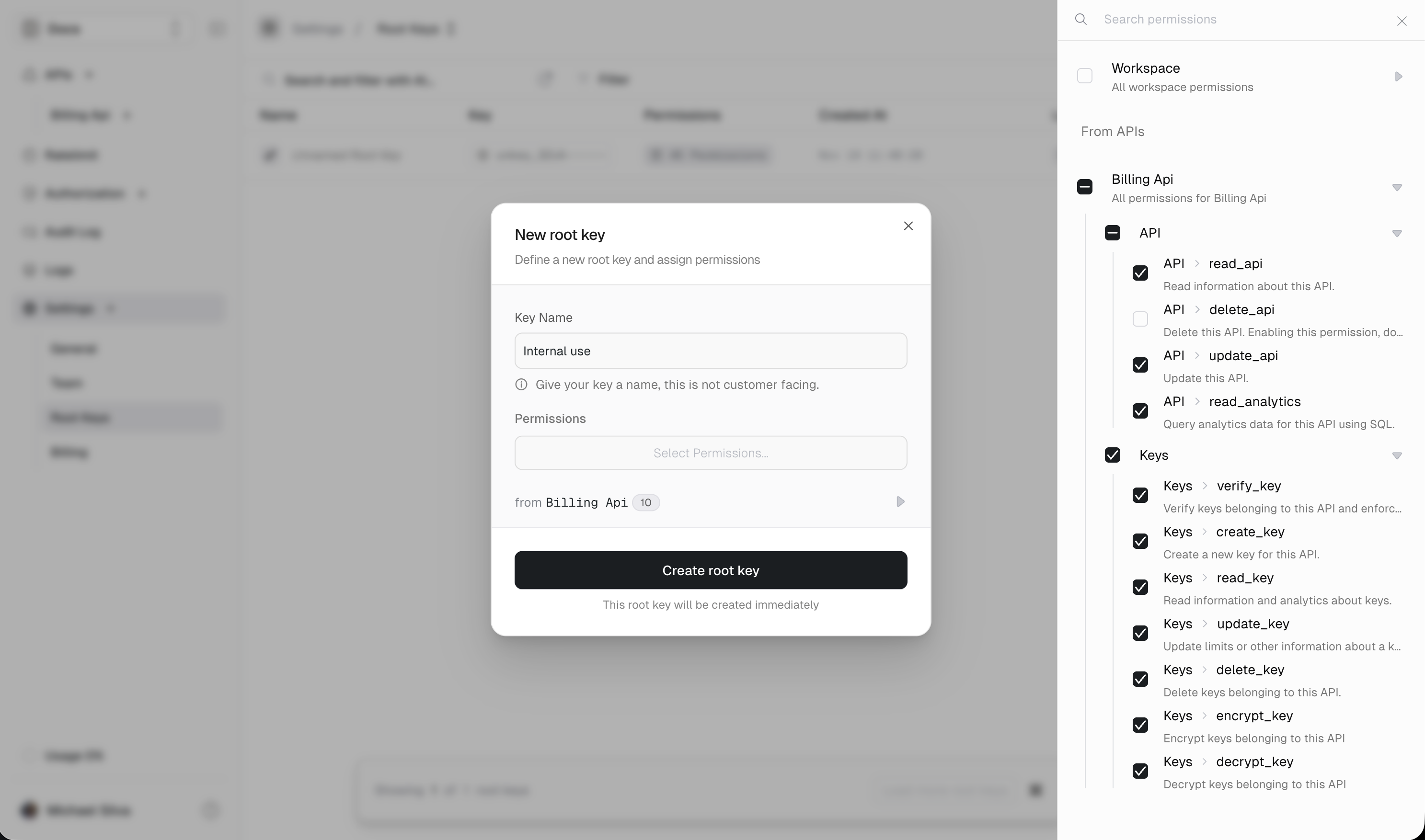
Select Permissions...button. - Add your workspace-wide permissions. These permissions affect and override the per-API permissions below.
- For each API in your workspace, you can enable fine-grained permissions.
- Click
Create New Keyat the bottom.
3
Copy your key
Be sure to copy the key before closing the window. There is no way to recover it later